When the Weather Interrupts Your Business: The Security Half of the Plan
Most contingency plans cover the building and stop at the door. Here is the half that deals with what you own, who holds the keys, and who checks the site afterwards.
In brief
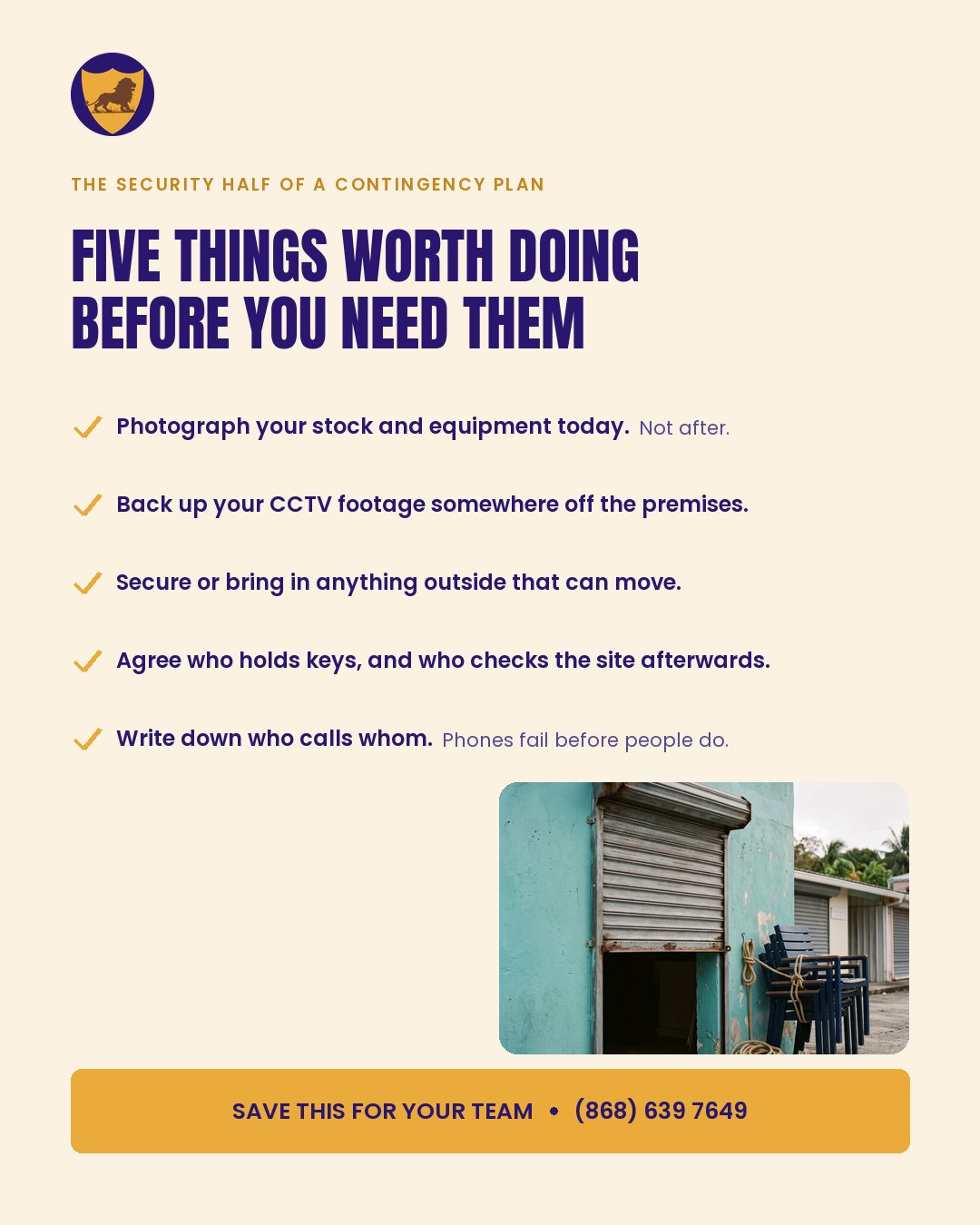
- Photograph what you own today, and keep the record off the premises
- Get your CCTV footage off site, and make sure more than one person can export it
- Secure the things you have stopped noticing
- Agree who holds keys and who checks the site afterwards
- Print one page of who calls whom
Ask a Tobago business owner what they do when heavy weather is coming and you will usually get a good answer. Shutters. Stock moved up off the floor. Somebody to bring in the furniture. Most people who have run a business on this island for any length of time have that part settled, and they settle it well.
Ask the same owner who holds the second set of keys, or whether the CCTV footage would survive the building, and the answer is usually less certain. That is not carelessness. It is simply that the security half of a contingency plan is nobody’s obvious job, so it tends to be the half that never gets written down.
This is that half. It is five decisions, none of them expensive, and all of them much easier to make on an ordinary Tuesday than on the day everyone is busy.
One. Document what you own before you have to prove it
The single most valuable thirty minutes you can spend is walking your premises with a phone, photographing your stock, your equipment, your fittings and your vehicles.
Photographs taken today carry a date. Photographs taken afterwards carry an argument. If you ever have to make a claim, the difference between a settled claim and a long negotiation is very often whether you can show what was there and what condition it was in.
Do it properly while you are at it. Serial numbers on the larger equipment, a wide shot of each room so nothing is missed, and receipts for anything substantial photographed alongside the item. Then send the whole lot somewhere that is not the building: an email to yourself, a cloud folder, anywhere off the premises. A record kept only on site is a record that shares the fate of the site.
One more thing worth doing while you are at it: check what your insurance actually requires you to be able to show. Policies vary, and the requirement is usually specific. Some ask for proof of purchase, some for evidence of condition, some for photographs dated before the loss. Finding out now takes one phone call. Finding out afterwards takes considerably longer and the answer matters more.
Two. Get your footage off the premises
Most small CCTV installations record to a box in a back room. That box is in the same building, on the same power supply, exposed to the same water. If the building has a bad night, so does the evidence of everything that happened in it.
Three questions worth answering this week. How long does your system actually keep footage before it overwrites itself, which is usually less than the owner thinks? Is any of it stored off site or in the cloud, even at reduced quality? And does more than one person know how to export a clip, or does that knowledge live with whoever installed it?
That last one catches people out more than any technical failure. A system nobody present knows how to operate is a system that is not working, whatever the screen says.
Three. Secure or bring in anything that can move
This is the part most businesses already do, and it is worth saying only because of what tends to get missed.
Outdoor furniture, signage, bins, pallets, ladders and stacked materials all move. The things people forget are the ones that have been in the same place so long they have stopped being visible: the old freezer at the side of the building, the sheet of galvanise leaning against the fence, the empty drum behind the kitchen. Walk the perimeter looking specifically for what you have stopped noticing.
It matters for a security reason as well as a safety one. Anything loose is both a hazard and, afterwards, a way in.
Four. Agree who holds the keys, and who is checking the site
Here is the scenario that catches good businesses. The weather passes. The premises are fine, or nearly fine. And nobody goes to look, because the person who normally opens up cannot travel, the roads are bad, and everybody is dealing with their own house first.
That gap, the hours between the event and somebody arriving, is when a site is at its most exposed. It is unlit, unwatched, possibly open, and everyone knows the whole island is looking the other way.
It is worth being precise about what checking the site means, because a quick look from the road is not it. Somebody has to walk the perimeter, confirm the doors and shutters are still secure, look for anything that has come loose or come down, check that the alarm and the cameras have power, and photograph anything that has changed. That last part matters as much as the rest: a record made on the day is worth far more than a recollection made a week later.
So decide now. Who holds a full set of keys besides you, and do they live somewhere different from you? Who is going to check the site, and what is their alternative if they cannot get there? What are they checking for, and who do they call if something is wrong? Write the answers down and give a copy to the people named in them.
Five. Write down who calls whom
Networks get congested long before they fail, and phones run out of charge sooner than anyone expects. A contact list that exists only in a phone is a contact list that may not exist when it is needed.
Print one page. Staff, your security provider, your insurer, your landlord, your electrician, the utility. Put a copy in the premises and a copy at home. Agree one person who is the point of contact so that staff are not all calling each other for news, and agree what the message will be when the business is not opening, so that somebody can send it without waiting for permission.
It costs nothing and it is the item on this list most likely to be needed.
And afterwards: how access control restarts
One point worth adding for anyone running a larger site. When the power comes back, electronic access control, gates and alarm systems do not always come back the same way. Codes can be lost, gates can default to open or to locked, and for a period everything is being done by hand and on trust.
That period is worth planning for in advance: who has manual keys for the gates, who is authorised to let a contractor in when the usual system is down, and how you record who came and went while nothing was logging it. A written sheet at the gate for two days is unglamorous and entirely sufficient.
Where to start
Take the list to whoever will actually be responsible, and answer the five questions in writing. Most businesses find that three of them are already settled in practice and simply were not recorded, and that the other two are the ones that caused difficulty the last time.
None of this is about any particular week or any particular forecast. It is the ordinary housekeeping that makes an interrupted day a nuisance rather than a setback, and the best time to do it is a quiet one.
Dominion Security Services has protected Tobago businesses and institutions since 2003. Most of our work is renewal rather than new business, which is the measure we pay attention to.
Request a free security assessment
We will visit your site, look at the premises and advise honestly on the cover it needs, with no obligation. Prefer to talk? Call (868) 639-7649 or WhatsApp 868 264 9099.
Related: Mobile patrol and CCTV · Security officers